
Keypads, Intercoms and Remotes for Automatic Gates
Entry systems that work with automatic swing and sliding gates, for homes, rentals and businesses in Warren, MI.
A keypad, intercom or remote is the part of an automatic gate you touch every day. Each one sends a signal to the operator’s control board, and the board tells the motor to open. We set up and repair these entry systems on swing and sliding gates at homes, rental properties, parking lots and yards across Warren and nearby communities.
The right choice depends on who uses the gate and how. A family, a duplex with changing tenants and a small business lot need different things.
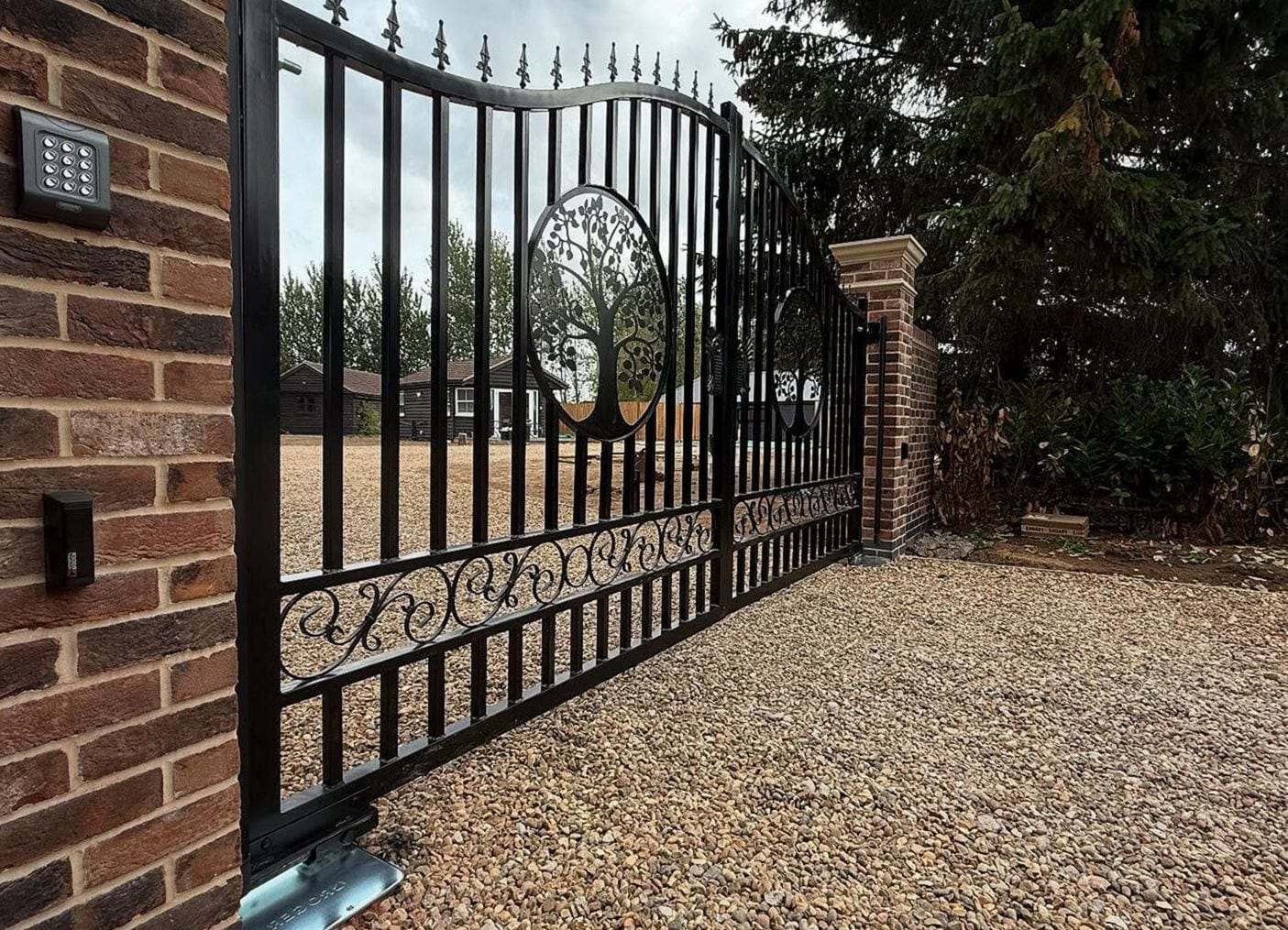
Entry Options for an Automatic Gate
How each common entry system works, in general terms, and where it fits best. Most gates end up with two or three side by side, such as remotes for the household, a keypad for visitors and a loop for cars leaving.
| Option | How users get in | Best for | Things to consider |
|---|---|---|---|
| Keypad | A code entered on a number pad at the gate | Households and small sites with a few regular users | Codes get passed around, so plan to change them; mount it within reach of a car window |
| Wired or wireless intercom | A visitor presses a button and talks to someone inside, who opens the gate | Homes with a long drive and regular visitors | Wired needs a cable to the house; wireless needs a clear signal over the distance |
| Video intercom | The same call button, with a camera to see the visitor first | Homes and offices that want to check who is there | More wiring or a strong network link, and a spot inside for the screen |
| Remotes or transmitters | A handheld or visor remote sends a radio signal to the operator | Family and staff who drive through every day | Clear a lost remote from the receiver’s memory; range drops as batteries weaken |
| Phone-app or cellular entry | An app, or a call to the gate’s number, opens it | Rentals, and managers letting people in from elsewhere | Needs a cell signal or internet at the gate, and someone to keep the user list current |
| Vehicle loop or exit detector | A sensor in or beside the drive opens the gate for a car leaving | Lots and busy drives | Opens for any vehicle on the exit side; freeze-thaw cracks can break a loop cut into the pavement |
| Card or fob reader | A programmed card or key fob held near the reader | Businesses and multi-unit properties where people change | A lost card is shut off on its own, without changing anyone else’s access |
Choosing a new gate or operator at the same time? The options comparator in the Gate Buyer’s Guide weighs entry systems alongside them.
Keypads and Codes
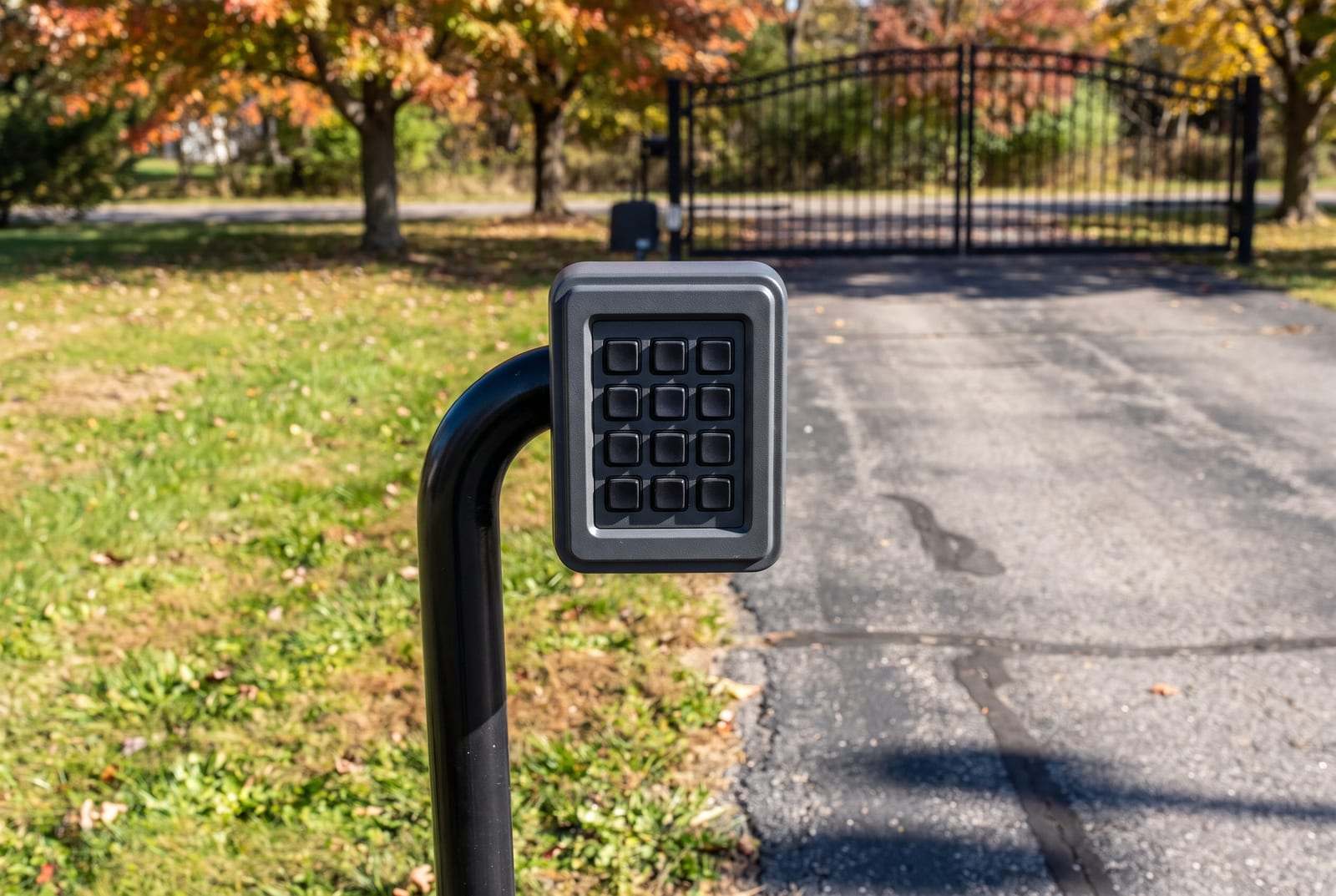
A keypad is the simplest way to let several people in without handing out remotes. It sits on the gate post, a pier or a gooseneck post at the edge of the drive, at a height a driver can reach without getting out. Wired keypads run on the opener’s power; wireless ones run on batteries that need changing now and then.
Codes spread over time. Most keypads let the owner add, change and delete codes, and many hold several at once, so a dog walker or a contractor can have a code of their own that you remove when the job ends.
Placement matters in winter, too. A keypad set where the plow leaves its bank ends up buried, so it pays to think about where the snow goes before choosing the spot.
Questions to Settle Before Choosing an Entry System
A few answers up front make the choice much simpler:
- How many people use the gate each week, and how often that group changes.
- Whether visitors need to reach you from the gate, and whether you want to see them before you open.
- Where deliveries go: through the gate, to a box at the gate, or no further than the street.
- How cars leave. A loop or exit sensor saves reaching for a remote on the way out.
- Emergency access for fire crews and ambulances. What is required depends on your local fire department, so check with them before you choose.
- Whether there is power and a cable path at the gate, or a good cell signal for a phone-based system.
- Who will manage the codes, remotes or cards when tenants move out or staff change.
Adding Entry to the Gate You Have
Most entry devices connect to the operator’s control board, so the opener decides what will work. An older board may have no input for a video intercom or a card reader, or may need an added receiver for newer remotes. We check the opener, the board and the wiring first, then say what will connect and what would need an upgrade.
Wiring is the other half. A wired keypad needs a cable from its post to the operator, and an intercom needs one from the gate to the house, usually run in conduit under the drive or along the fence line. Wireless models skip the trench but depend on a clear signal over the distance.
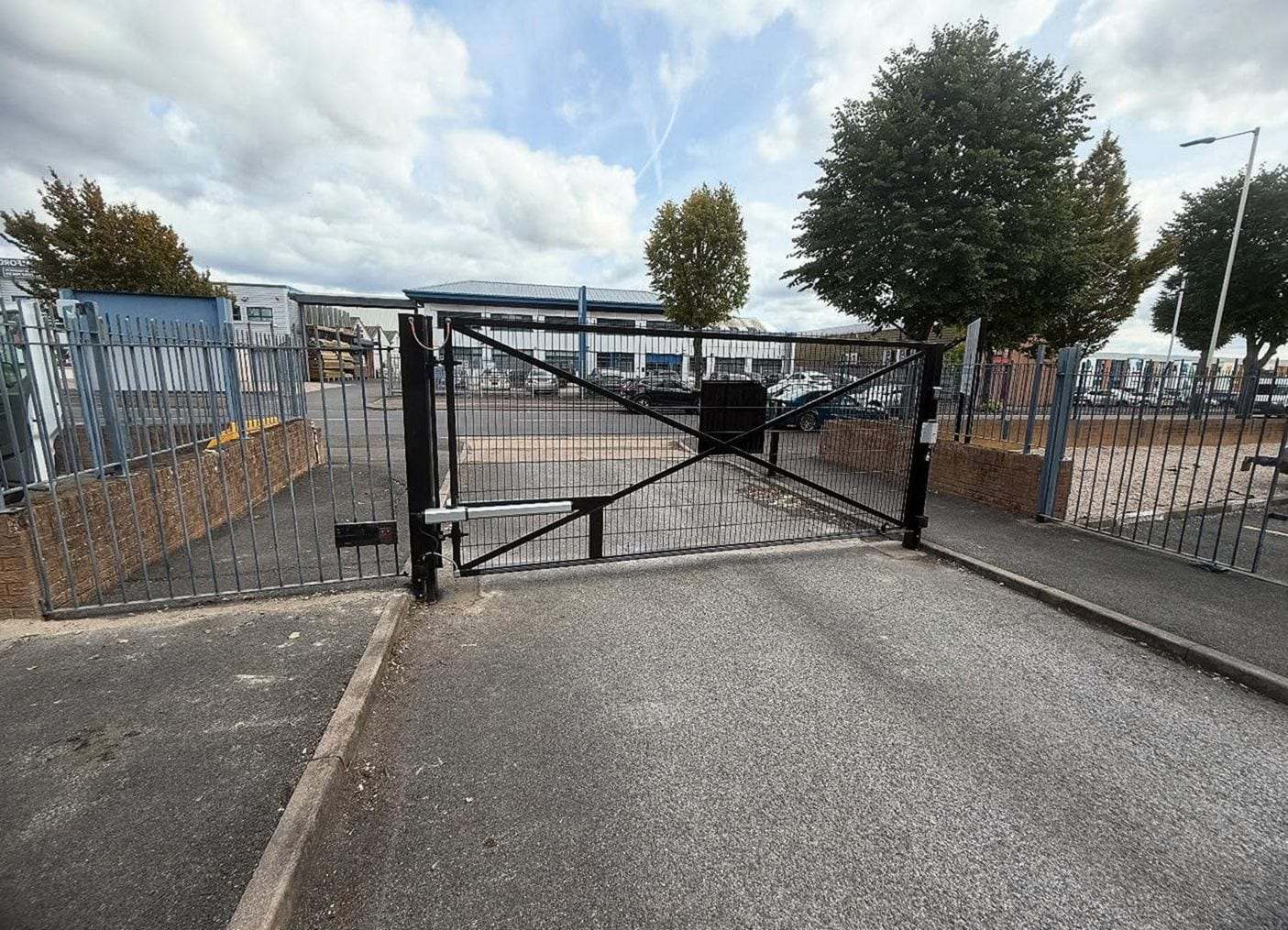
For businesses and multi-unit properties, a card reader or a phone-based system makes the user list easier to run: you shut off one card, not everyone’s code. For a single household, remotes and a keypad usually cover it.
Lost Remotes, Codes and Guests
I lost a gate remote. What should I do?
Have it removed from the receiver’s memory so it can no longer open the gate. On many operators that means clearing every remote and reprogramming the ones you still have. A replacement remote has to match your receiver, so we check the receiver before adding one.
How often should I change the keypad code?
Whenever someone who knew it no longer needs it: a tenant moving out, a contractor finishing, a phone with the code saved in it gone missing. Most keypads let you do it with the master code.
How can I let guests in without giving them my code?
A temporary code you delete afterwards, an intercom you answer from the house, or phone-app entry that lets you open the gate from wherever you are. Which of these will work depends on your operator and keypad.
Will the keypad still work when the power goes out?
Only if the opener has a battery backup, and only for as long as the battery lasts. Without one, use the manual release and move the gate by hand. A wireless keypad’s own batteries power the keypad, not the motor.
Thinking about a keypad, an intercom or new remotes? Call and we will set a time to come look at your gate.